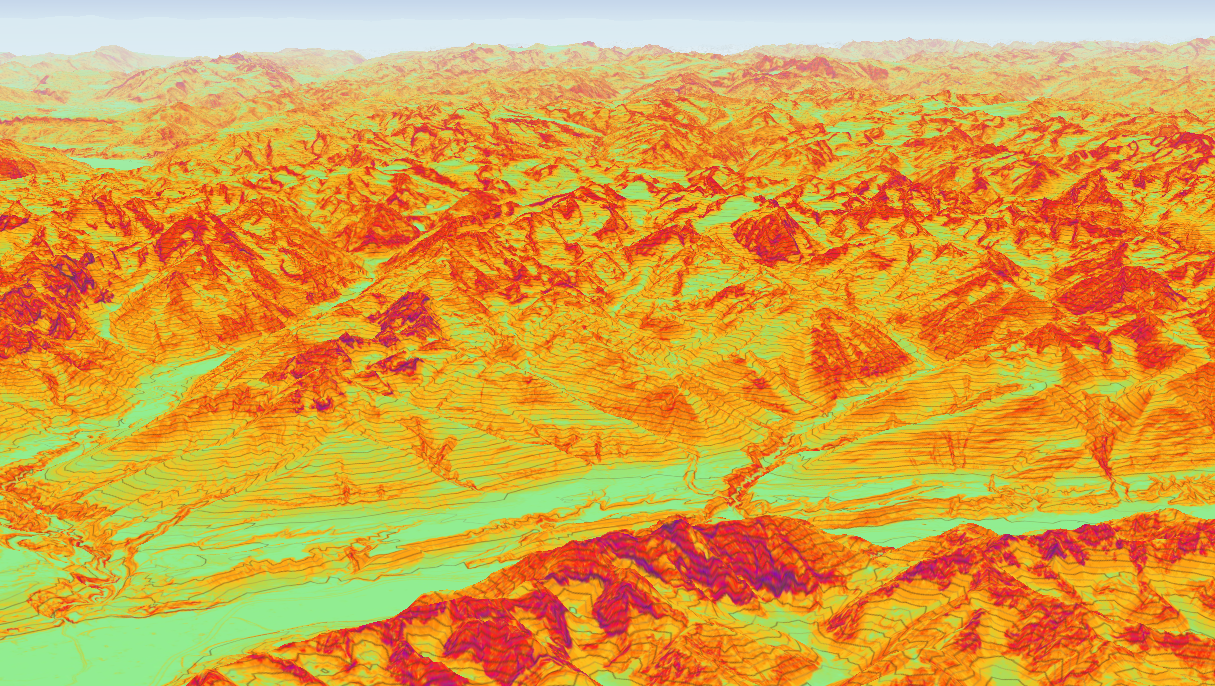
Version 0.3.2!
v0.3.2Update v0.3.2 is live, featuring detailed 10-meter contour lines that can now be layered directly over slope data for the ultimate planning experience. We've also smoothed out map controls, updated default layers, and squashed a few bugs to make your planning seamless.
Version 0.3.2 - Improvements & Bug Fixes
v0.3.2 • March 06, 2026 • Update • Web
Contour Lines
After receiving your feedback, we went back to work and refined our new contour lines. First, we improved the granularity, bringing it down to 10-meter intervals. To handle this level of detail smoothly, the line resolution now dynamically adjusts based on your zoom level.
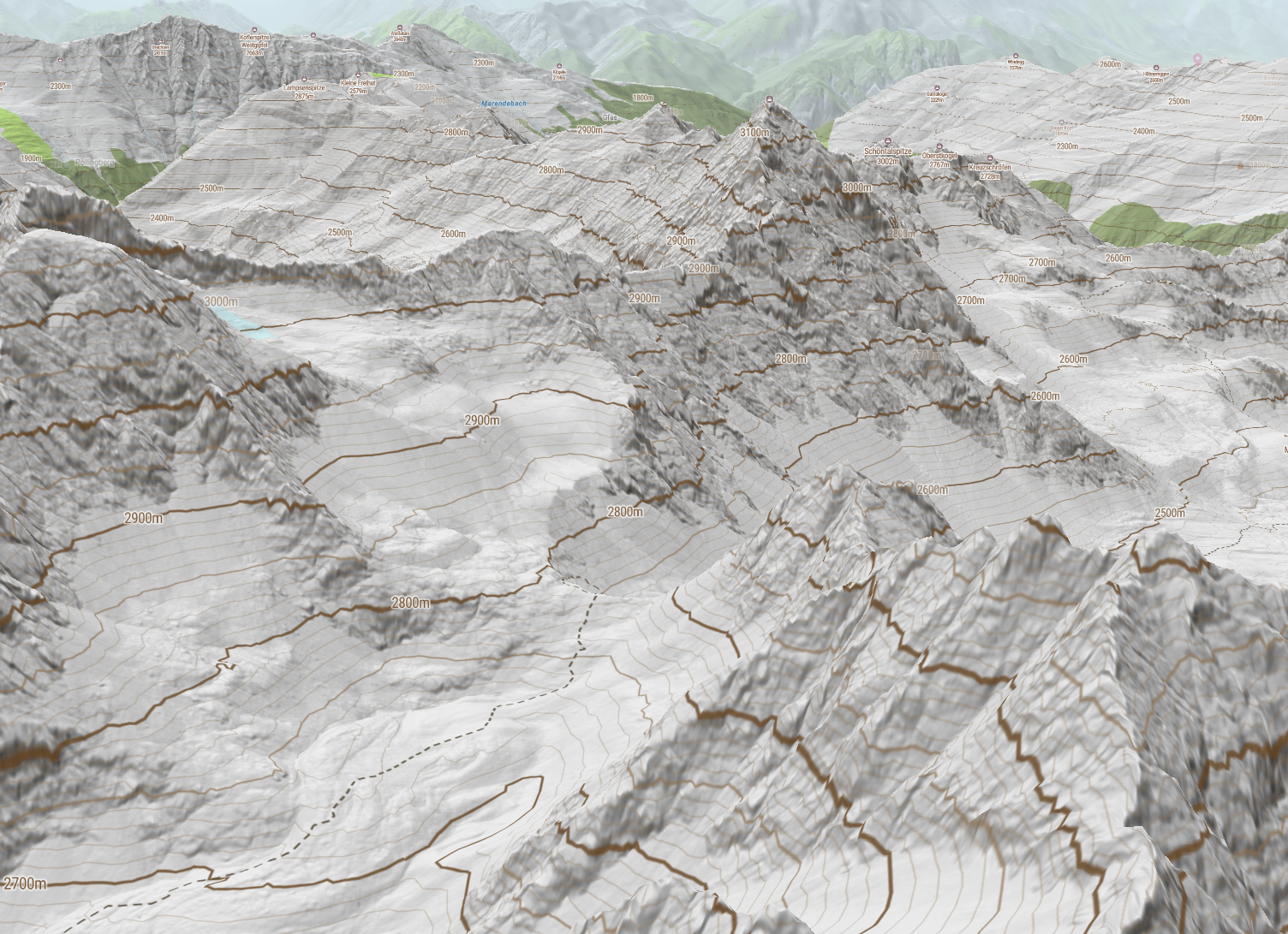
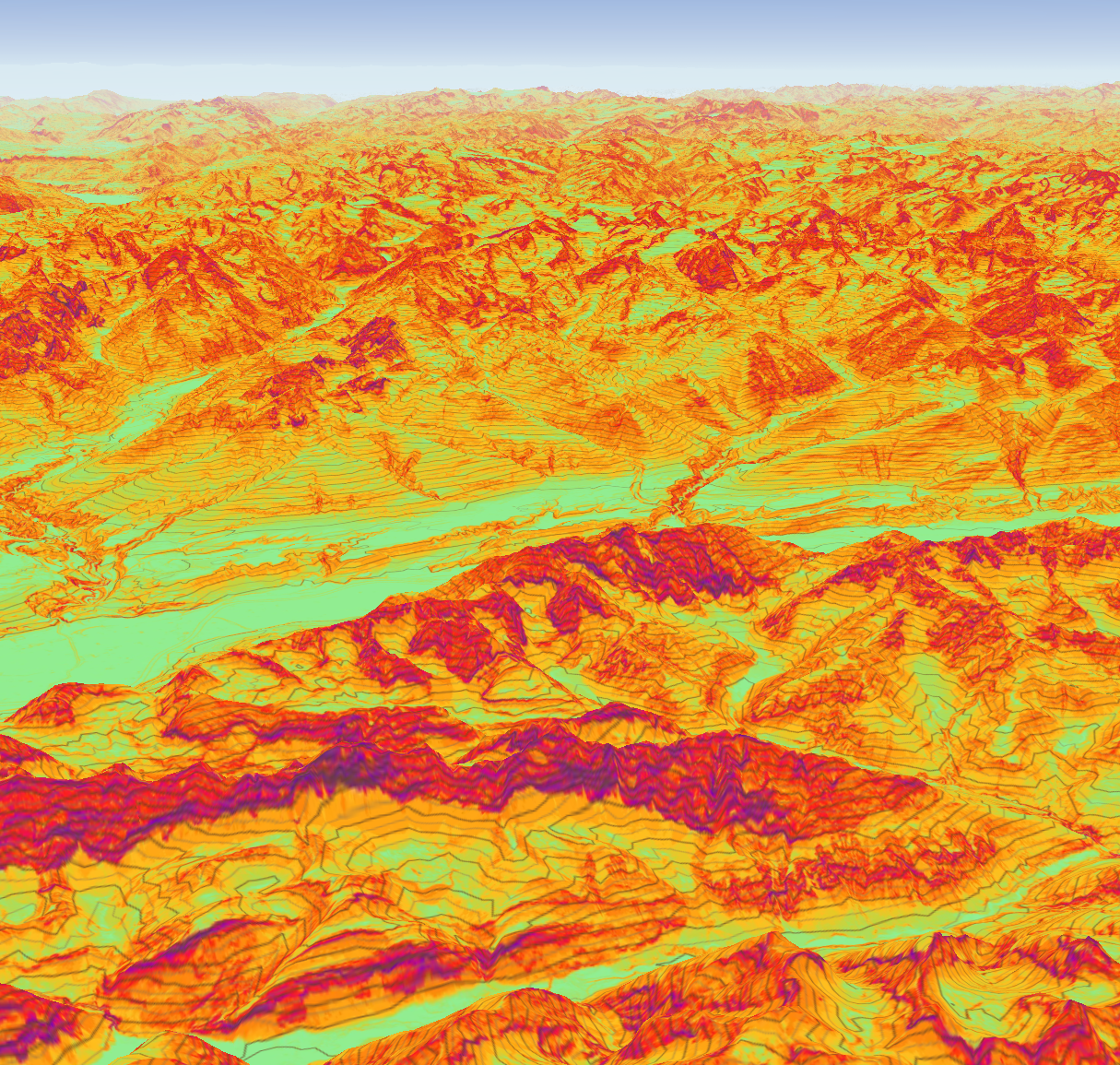
Furthermore, we separated the Contour Layer from other map overlays so you can activate them independently. This means you can now view both the slope/avalanche layer and the contour lines simultaneously for the ultimate route planning experience.
Usability
We know everyone uses our tool a bit differently, and your feedback helps us fine-tune the experience. We've made the following usability tweaks:
- Double-Tap-Drag Zoom: This gesture was previously conflicting with our Elevation Popup, as the final drag was registering as a long press. We've resolved this input conflict, so your map navigation should now be smooth and uninterrupted.
- Layer Settings Menu: The Layer Settings panel previously closed automatically when your mouse left the area. While originally intended to improve user flow, we realized it was too sensitive to quick mouse movements. We've adjusted this behavior so the menu no longer closes accidentally.
Default Layers
As part of our effort to clean up our information layers, we decided that the most useful data should be visible right away. Parking and Public Transport layers are now activated by default. If you prefer a cleaner map, you can easily deactivate them in the Info Settings.
Bug Fixes
Here are a few additional under-the-hood fixes included in this release:
- Session State: Updated the
localStorageformat to reliably preserve your session state. - EAWS Report: Fixed a timezone bug that affected reports fetched at 17:00 and corrected an issue with the "Later Day" danger icon.
- Peak Elevation: Removed the stray "m" (meters) label when no height data is available.